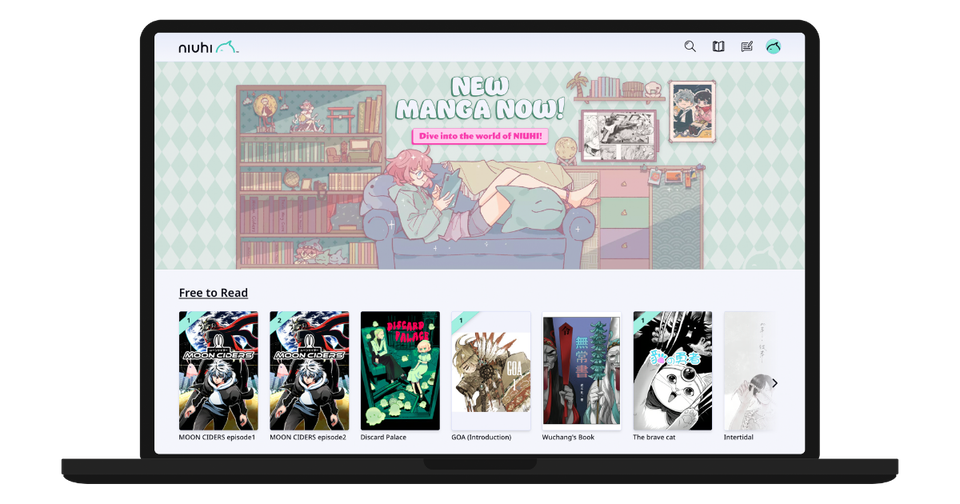

Welcome to NIUHI (now KOMODO Manga & Comics)! We are excited for you to join our growing community of passionate manga and art book lovers! With this post, we will walk you through the features of NIUHI and why it’s special and unlike any other manga destination out there.
What is NIUHI?
NIUHI is the next-gen manga platform created by KOMODO. As fans of both manga and the artists who make them, we really wanted to create a special place that:
- Offers a smooth, customizable manga reading experience
- Brings top-tier indie manga and comics to more regions and languages
- Provides an industry leading revenue share to creators, so most of the money from every purchase goes directly to the artists behind the work
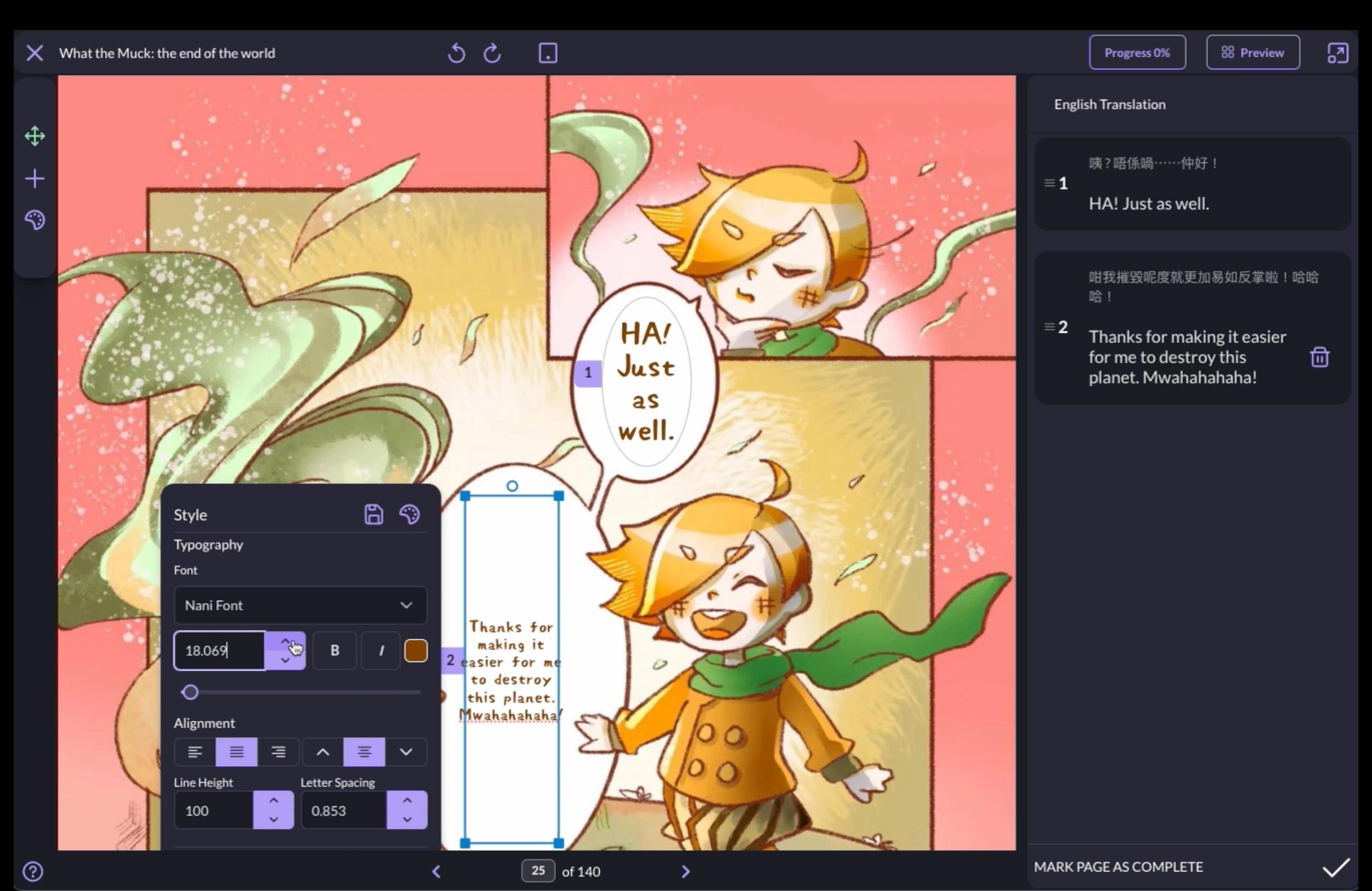
- Allows fan translation with the permission of creators using NIUHI's built-in tools (desktop browser only); note this is translation powered by humans and not AI!
- Gives manga fans deeper insights into the creators they love
- Shares the joy of manga with the people you care about, regardless of what language they speak
- Helps you stay motivated when self-studying new languages with fun new features such as BubbleTap™
Primary Spaces on NIUHI

If you look at the main navigation bar at the top of the screen (or if viewing on mobile, on the bottom), you can see the primary spaces within NIUHI:
- Home: Click on the NIUHI logo to go to the home page, where you can discover new books and add new ones to your library.
- Corner: Think of your corner as a comfortable reading nook in your favorite spot! From here, you can browse all books you've added to your library, as well any translations you've contributed.
- Blog: The NIUHI Blog is a great place to learn more about manga and otaku culture, "know before you go" advice for manga and anime events, recommended places to travel, creator interviews, and more, written directly by the editors at NIUHI!
- Profile: Your customizable profile is your identity on NIUHI. You can edit your user name and avatar, create shelves of your favorite books and collectibles, and more!
Adding Books to Library and Reading
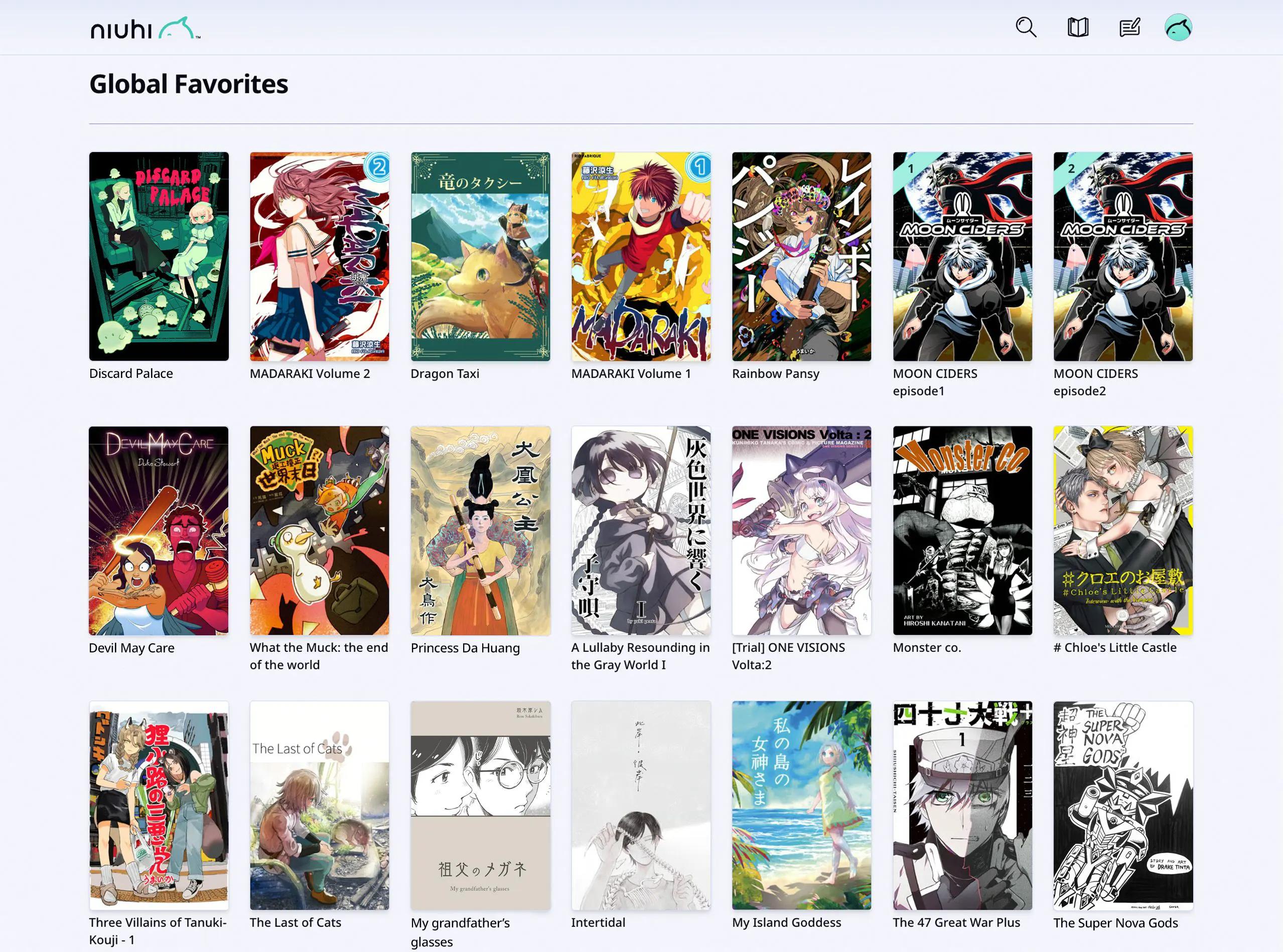
From the home page or Search menu, discover a book that you think looks interesting! There are many books on NIUHI that are free, and for those that aren't, you can look inside each book by selecting "Free Preview".
Once you've found a book you'd like to add to your library, click on Get It Free (or "Buy" for paid books) to add it to the library in your Corner. You may be prompted to create a NIUHI account if you haven't already. Sign up takes seconds and can be done seamlessly if you already have a Google or Apple account (although they aren't required).
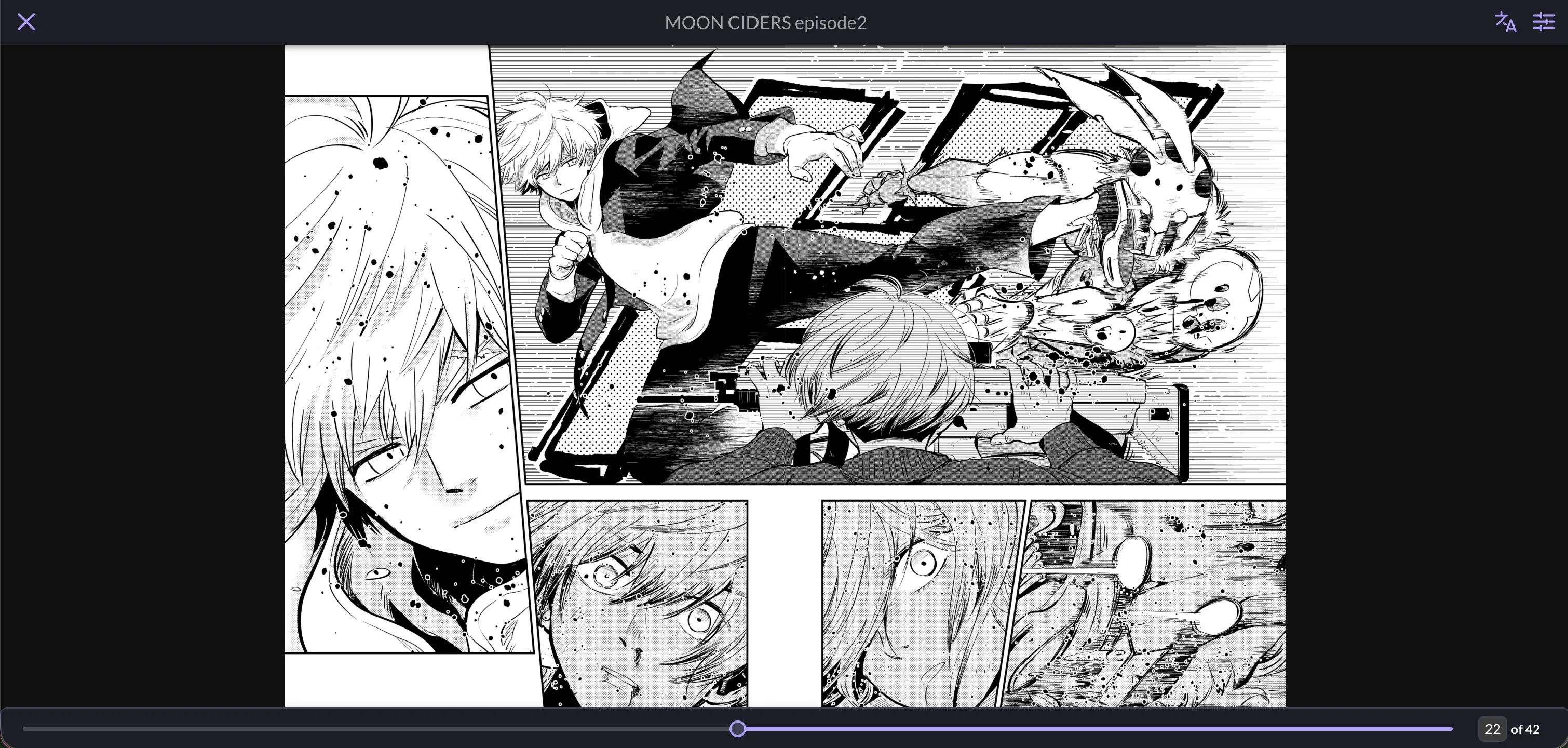
Once the book has been added, visit your Corner and you can read it any time! When reading, you can also tap on the center of the screen to see the reading menu, which includes ways to customize your reading experience and language features.
Bilingual? Support Your Favorite Artist with a Translation!
When viewing a book's details, you will notice two categories of languages:
- Official Languages: These are languages officially provided by the creator. The original source language will have the word "Original" next to it.
- Community Translations: These are translations provided by the community.
As many of the artists on NIUHI are indies, they may not have the resources to translate their works to more languages. Instead, many of them have given the NIUHI community the right to translate their works, which you can do by clicking the "+ Add Translation" button and selecting a language to translate to.
Not only will you be helping creators with your translations, but you'll also be enabling students of that language to use BubbleTap™ to self-study!
Using BubbleTap™ for Self-Study
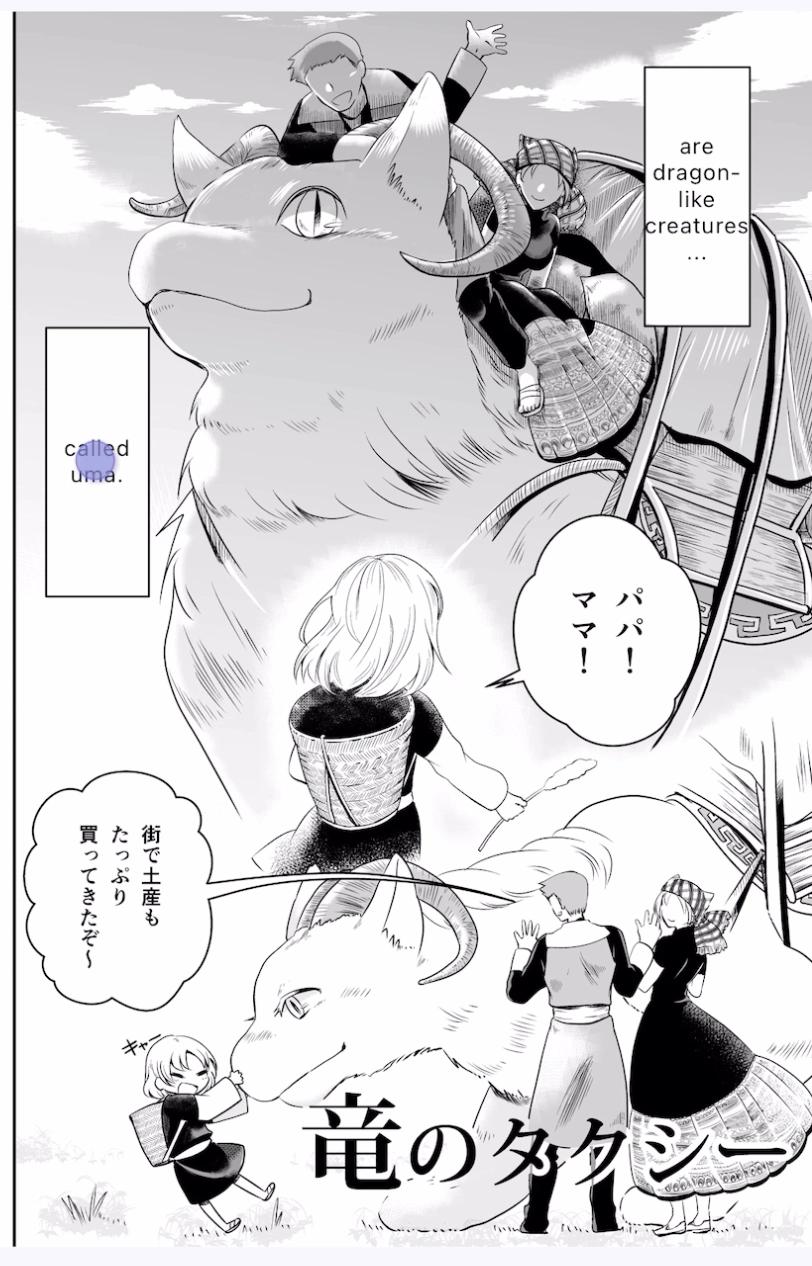
When reading a book, open up the reading menu (by tapping the center of the screen) and tap the menu language icon. Select a language that is different than the original, and then click the button to toggle on BubbleTap™.
With BubbleTap™ turned on, you can now touch speech bubbles and sound effects to see a human-translated version of the text in a language you understand! This helps a lot because instead of changing all the text at once (potentially giving spoilers or "cheating"), it will change only the text in the bubble you selected.
We've heard countless people say they used manga to learn Japanese or another language, and now it's easier than ever!
Upcoming Features
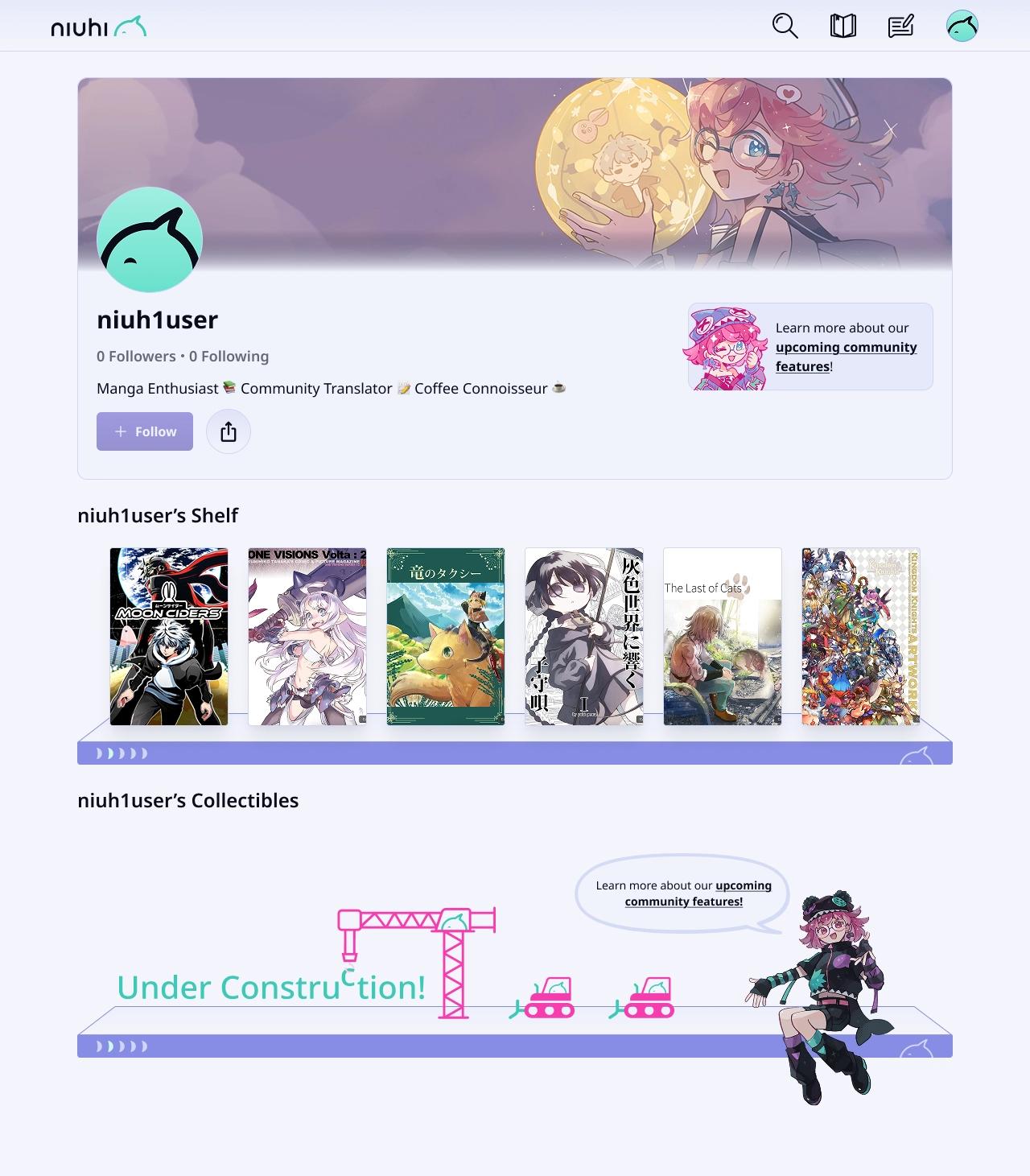
Below is a list of just some of the exciting features that are coming to NIUHI in 2026!
- Android App: We are working on building a mobile app for Android
- Followers: Follow your favorite creators and community members, and build a following yourself!
- Translation Ratings: Rate your favorite translations up or down
- Collectibles: Earn collectibles of varying rarity and display them proudly on your profile!
- Share Book Lists: Share your favorite book shelves as lists
- Profile Customizations: More profile customizations including banners and more avatar options
- More Regions: Although only fully launched in Japan and the US, we will continuously roll out NIUHI to more regions over time!
Follow Us for Updates and Prizes!
To stay updated on new title releases, feature updates, chances to win prizes, and all things NIUHI, follow us on Instagram (English) or X (Japanese)!